
HubSpot workflows
How do you test a new HubSpot onboarding handoff?
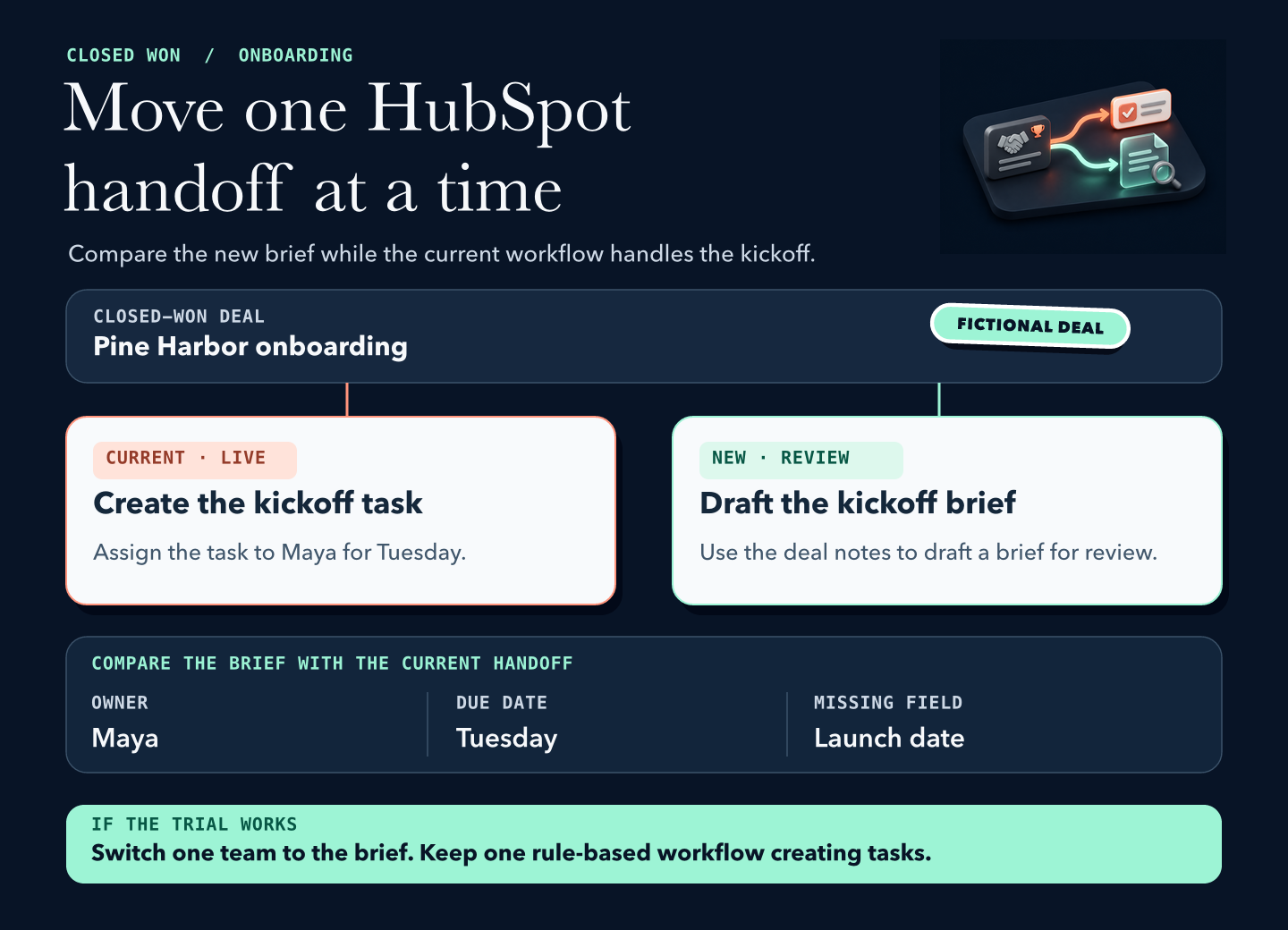
Keep your current workflow creating kickoff tasks when deals close. Test an AI-drafted brief on sample deals, then try it with one onboarding team.
Try the handoff with one onboarding team
Use a HubSpot plan that includes workflows and an account with Super Admin or Workflows permissions. This example assumes you already use a deal workflow to create a kickoff task. Start with made-up deal notes and an AI tool your team has approved.
- Check the existing kickoff task. In Automation > Workflows, open the deal workflow and select Test. Choose a sample deal in your closed-won stage and confirm it reaches Create task. Open that action to see who gets the task and how the due date is set.
- Draft a kickoff brief. Give the AI tool the sample deal notes and ask for three lines: the customer’s goal, any promise sales made, and anything onboarding still needs to confirm. Include a case with no agreed launch date. The brief should say that the date is missing.
- Try the brief with one team. Have the onboarding owner compare each draft with the deal notes. Keep the same task owner and due date. Count how often the owner has to go back to sales and compare it with the team’s usual handoff before you expand the trial.
Should the new workflow also create a kickoff task?
Keep task creation in the existing workflow. Give the team the draft brief separately so a closed deal still produces one kickoff task.
What if the deal notes leave out a customer detail?
Mark it as missing. Have the onboarding owner confirm it with the sales rep before the kickoff.