
HighLevel contact tasks
How do you see which callbacks are due today in HighLevel?
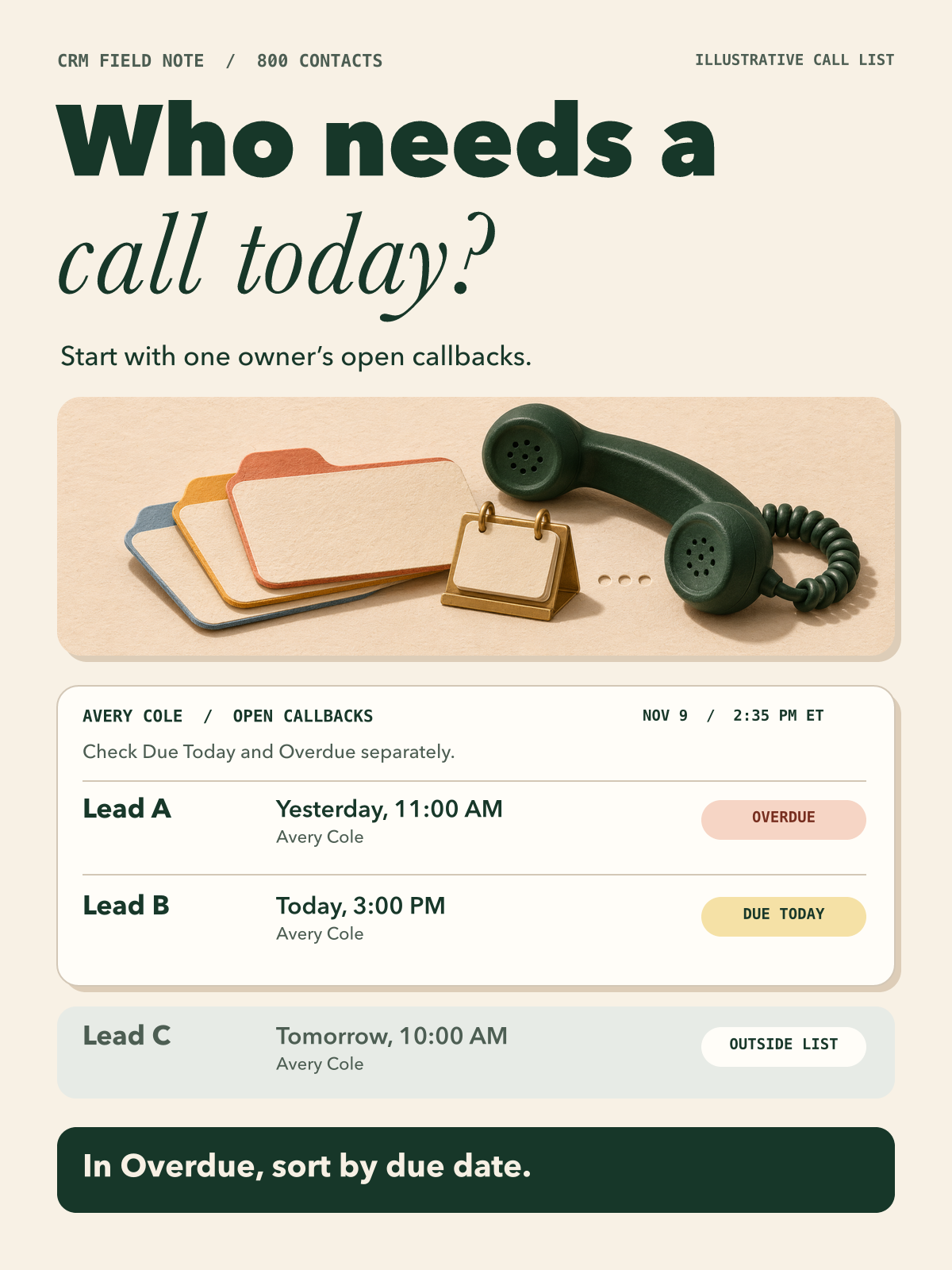
In Contacts > Tasks, filter by the person making the calls and set Status to Due Today. Switch to Overdue to find callbacks that still need attention from an earlier date.
Set up the callback list
Save the callback on the contact with the promised time and the person making the call. A title such as “Call about revised quote, after 3 p.m.” gives that person enough context to pick it up later.
- In the contact's Tasks panel, select Add Task.
- Enter the callback title and Due Date and Time, assign the caller, and save.
- In Contacts > Tasks, open Advanced Filters. Select the caller under Assignee and set Status to Due Today.
Check overdue callbacks as well. Keep the same assignee and change Status to Overdue. Under Sort, choose Due Date with the earliest dates first.
Which HighLevel task list should I use for callbacks?
Use the tasks attached to contacts so each callback opens the person you need to call. HighLevel’s Project Management task view is separate.