
Agent troubleshooting
How do you find where an agent booking failed?
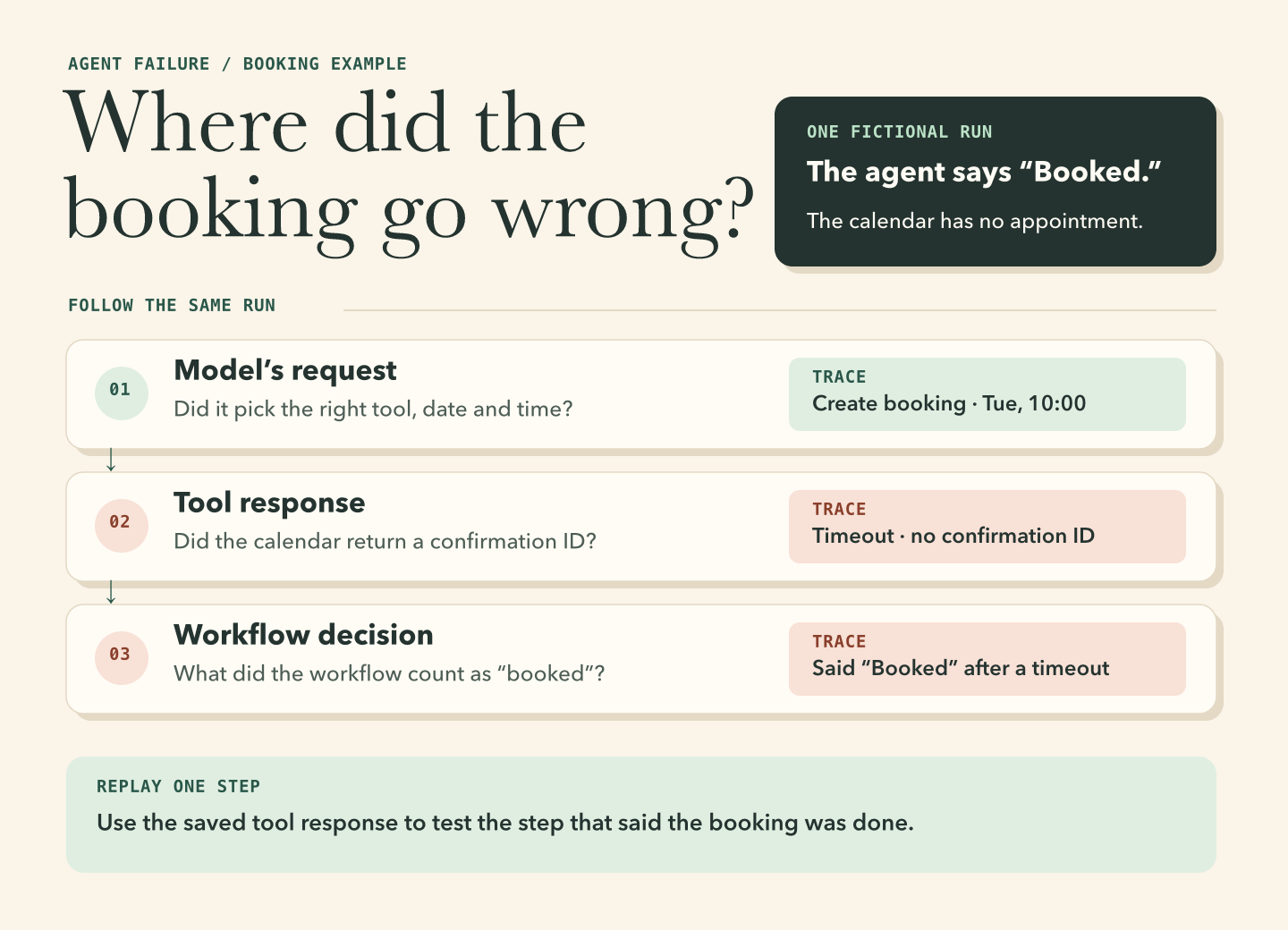
Open one failed run. Compare the action the model requested, the booking tool’s response, and the workflow’s next decision. Then test the first mismatch on a sample booking.
Follow a booking that never got a confirmation
Use a run log with the requested action, tool response and next workflow step. Use a test calendar and sample data when you reproduce the failure.
- Check the requested action. Compare the tool name, date, time and time zone with the appointment the customer asked for. If the inputs are wrong, check what information and tool options the model received.
- Read the booking tool’s response. Look for a confirmation, an error or a missing response. If the request was correct but the result was unexpected, repeat that call on the test calendar to see what comes back.
- Check what triggered the reply. If the customer saw “Booked” after a timeout, replay the timeout on the test workflow. Check whether the workflow gave the model a pending result or took the same path it uses for a confirmed booking.
Does a booking timeout mean the appointment was never created?
A timeout leaves the result unknown. Check the calendar for the original appointment before trying to book it again.
When should the agent say the booking is confirmed?
Use the booking system’s confirmation as the signal. In this example, the system returns a confirmed booking ID. Until that arrives or the calendar verifies the booking, tell the customer it is still pending.