
Hosted AI agents
How can I check that a hosted agent runs when my laptop is closed?
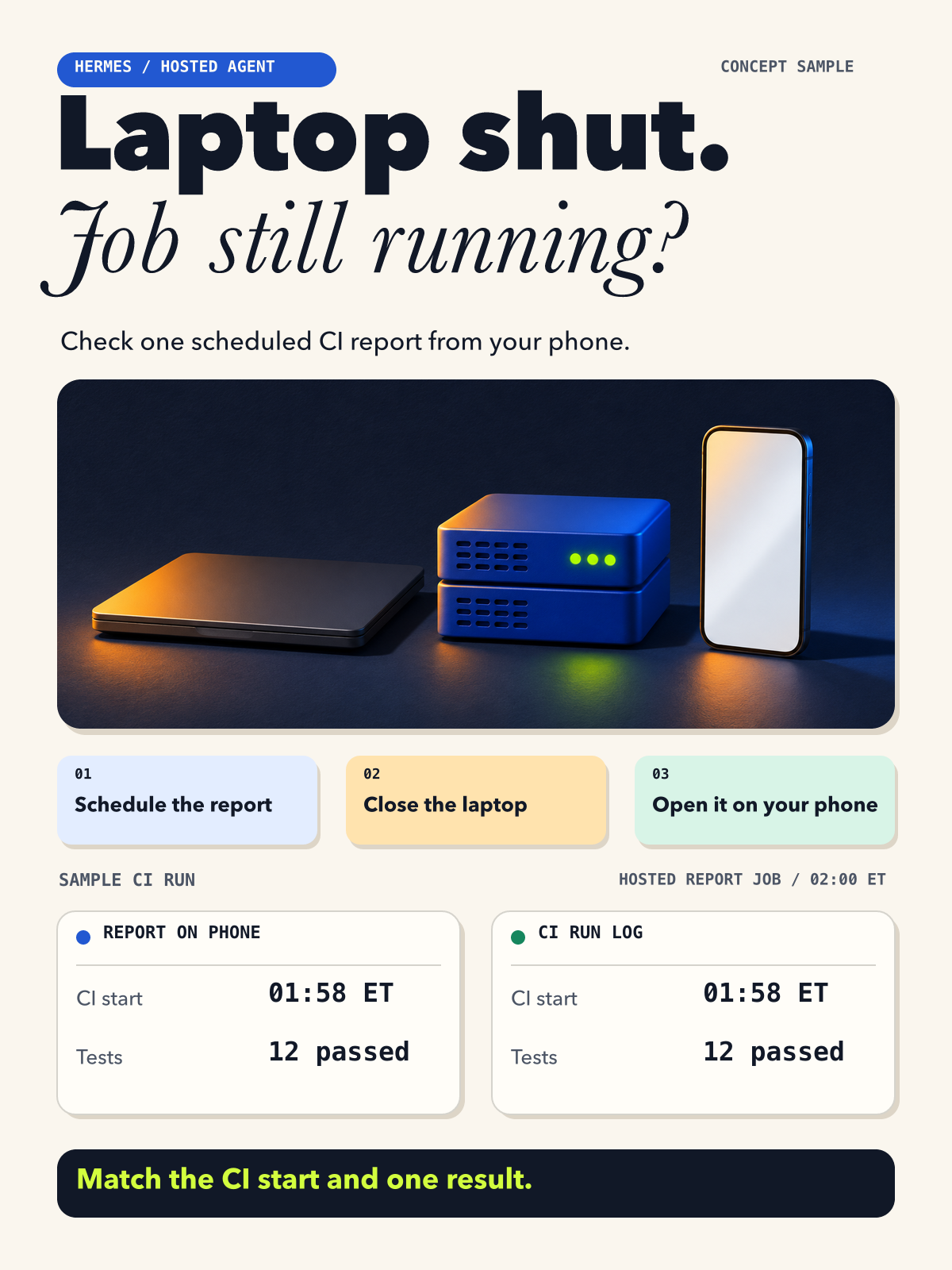
Schedule a build-status report for a few minutes from now, close your laptop, and check the report from your phone. The agent’s run history should show that it started after the laptop closed.
Try one scheduled report
Use a repository the hosted agent can already read and a report destination you can open on your phone. A build-status report is useful for this check because you can compare it with the original CI run.
- On the agent's host, schedule a report for a few minutes from now. Ask for the latest automated build check, its start time, result, and link.
- Close your laptop before that time. Leave the separate host running.
- From your phone, check the agent's run history and open the report. Confirm that the agent started after you closed the laptop.
Follow the report's CI link and compare the start time and result. For GitHub Actions, you can also find the run under the repository's Actions tab. This checks one scheduled run; it doesn't establish how reliably the service will run every future job.
What if the scheduled report never arrives?
Open the host’s run history at the scheduled time. A completed run points you toward the delivery destination. A failed run should have an error to investigate, such as expired access to the repository.