
Client SEO & analytics
How do you track calls, emails, and forms without slowing down mobile pages?
Queue early clicks, load analytics after the hero image paints, and record form leads only after server spam checks pass without sending contact details.
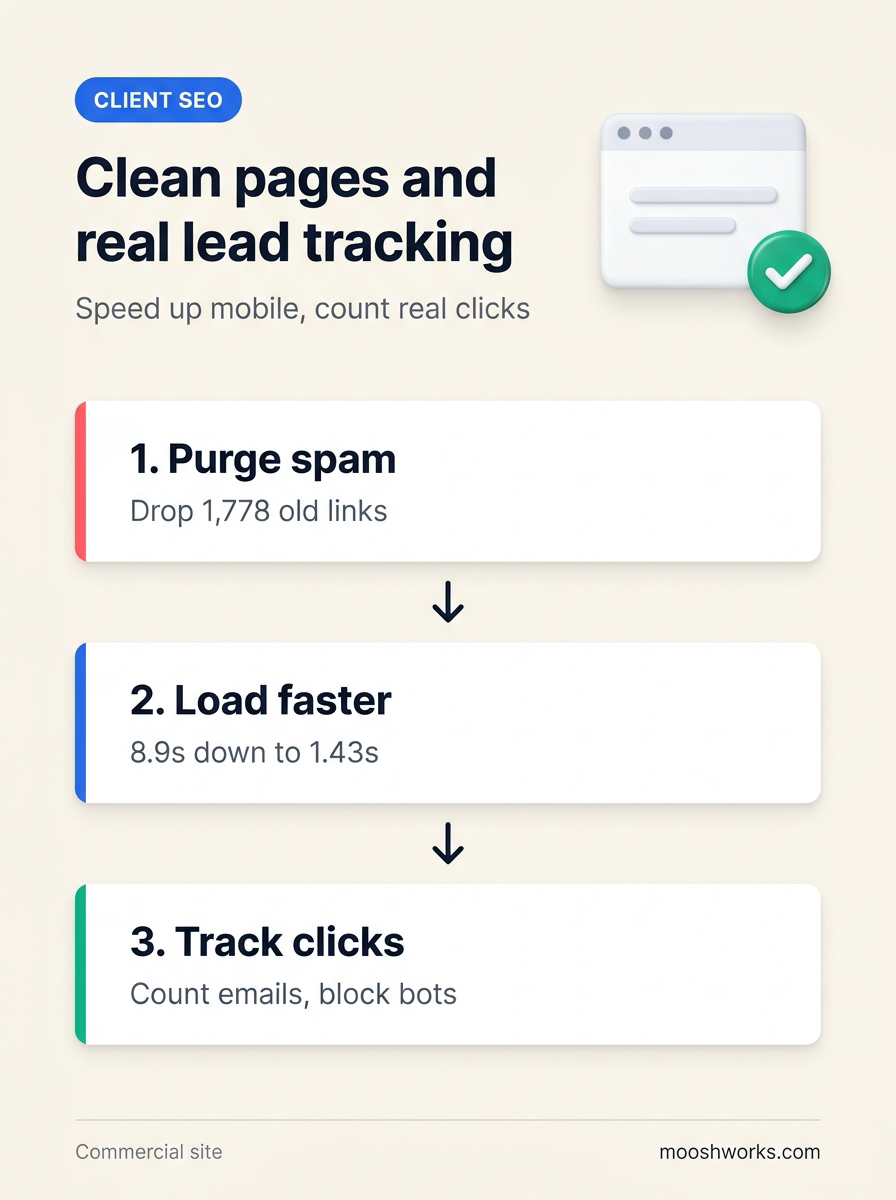
Queue early clicks before loading analytics
On an anonymized commercial property website rebuild, clearing 1,778 legacy spam URLs and removing render-blocking scripts brought mobile homepage load time from 8.9s down to 1.43s (0.56s on desktop).
Keep a lightweight event queue in the page so early clicks on tel: and mailto: links are captured immediately. Start the external analytics script after the hero image decodes and paints, with a two-second fallback and immediate initialization if a visitor clicks a contact link or leaves the page.
Record form conversions after spam checks pass
Emit generate_lead only after the form handler returns an accepted response that passed server spam checks. Blocked bot or invalid-phone entries stay out of conversion counts. Pass only the page path and an allowlisted form identifier rather than names, phone numbers, email addresses, or message text.
Why count email and phone clicks alongside form leads?
Visitors on commercial and local service pages often tap an email address or phone number instead of filling out a longer form. Making both clickable and recording the click event keeps that outreach visible in weekly reports.
Click events measure visitor actions on the page rather than a completed phone call or signed agreement, so label them separately from accepted form inquiries in client reports.