
Lead capture UX
How do you stop tap-to-text buttons from stalling on desktop browsers?
Keep prefilled sms: links on phones, and on desktop screens with a mouse pointer scroll to the quote form and focus its first visible field.
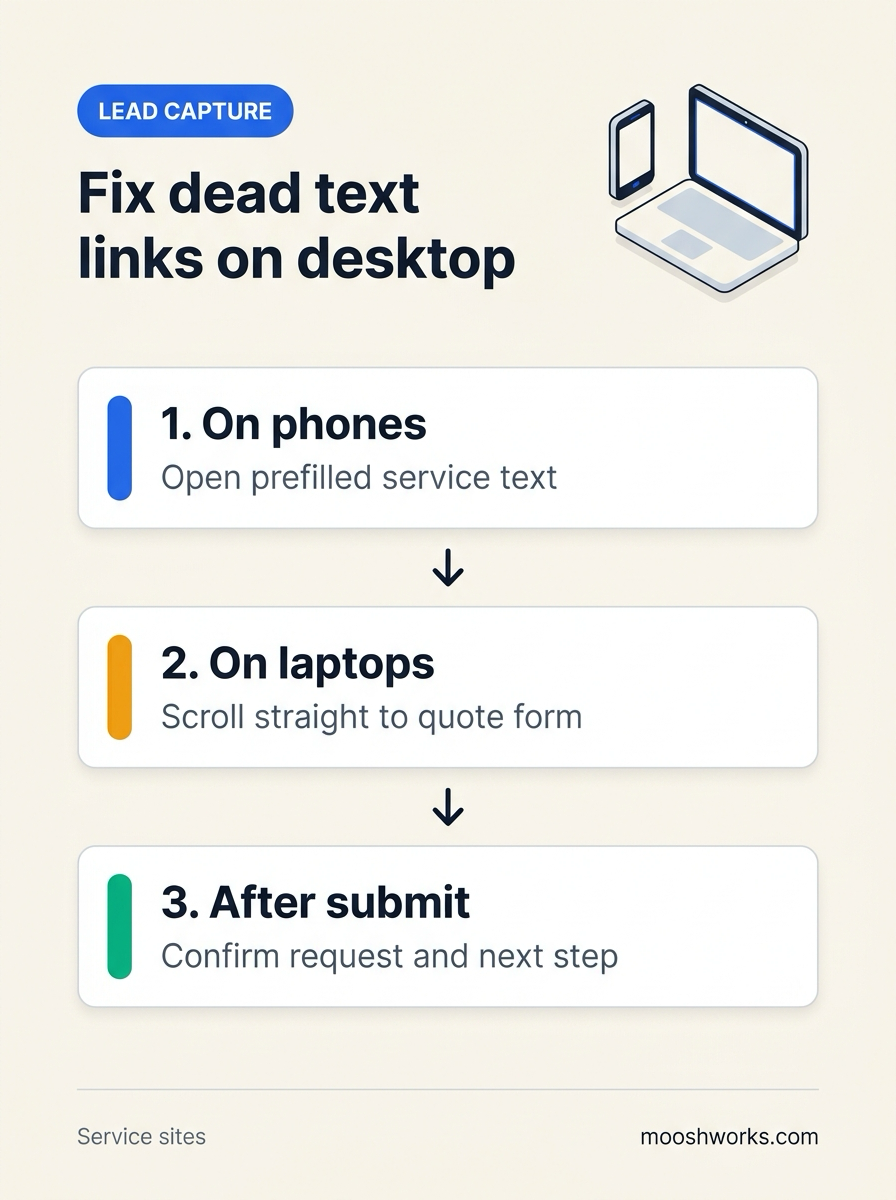
Match the action to the visitor’s device
On mobile phones, an sms: link with a URL-encoded body starter prompt (such as asking for a gutter cleaning quote) saves callers from staring at a blank message thread. On laptop and desktop browsers, clicking that same sms: link often stalls or opens an unconfigured desktop app.
Attach a capture-phase click listener to the text button. When (min-width: 768px) and (pointer: fine) matches, call preventDefault(), scroll to the page’s quote form, and focus the first visible input. If the current page has no quote form, navigate to /contact/.
Keep normal browser habits and accessibility intact
Return early when metaKey, ctrlKey, shiftKey, altKey, or a non-primary mouse button is pressed so Command-click and middle-click keep working. Check (prefers-reduced-motion: reduce) before choosing smooth versus instant scrolling, and exclude type="hidden", tabindex="-1" spam-trap fields, and disabled inputs when placing focus.
Why check both screen width and pointer type?
Checking screen width alone breaks on tablets and narrow laptop windows. Matching both min-width: 768px and pointer: fine intercepts mouse and trackpad clicks while leaving touch devices on native texting.