
Invoice retry FAQ
How do you test an invoice retry after a lost response?
Simulate a timeout after a test invoice saves. Retry with the same operation key, if the service supports it, and check that you still have one invoice with the original ID.
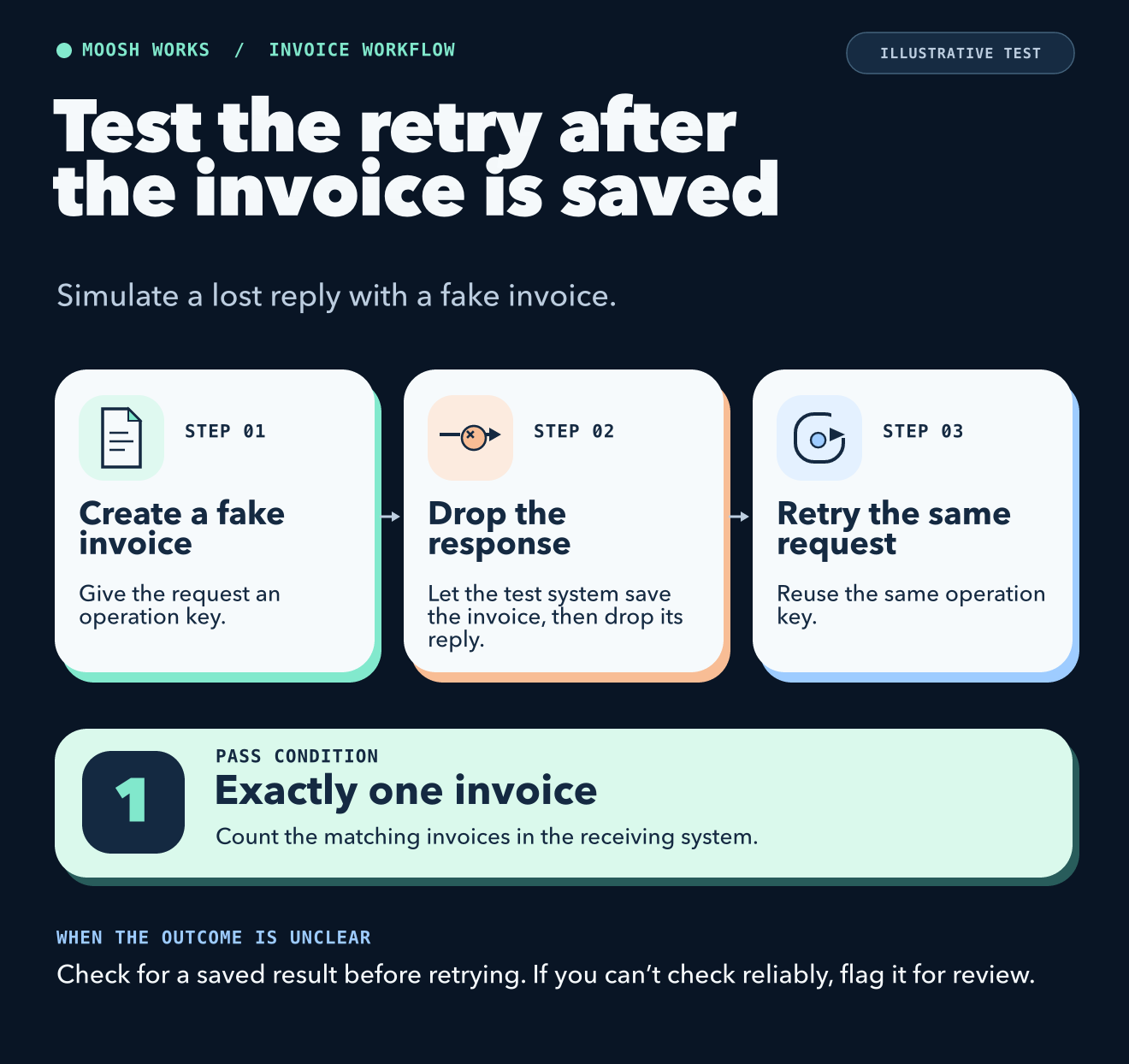
Run the test with one fake invoice
A timeout can arrive after the invoice has already been created. The caller didn't receive the answer, so it may try again. Your test should reproduce that sequence.
- Check that the service accepts an operation key for invoice creation, how it recognizes a retry, and how long it remembers the key.
- In a test environment, create an invoice with a unique test reference. Save its operation key before sending the request.
- Let the invoice save. Have the test harness capture its ID and withhold the success response, so the caller gets a timeout.
- Retry with the same key and invoice details while the key is still valid. Look up the test reference. There should be exactly one invoice, with the ID captured after the first save.
What if I can’t tell whether the invoice was saved?
Look up the invoice before creating another one. If the service has no way to recognize retries and you can’t find out whether the first save worked, ask someone to investigate before retrying.
Source
The Amazon Builders’ Library explains how request identifiers make retries safe. The details depend on the invoice service, especially how it handles changed request data and expired keys.