
Copilot code review
How do you audit MCP tool changes in Copilot code review?
Compare the current MCP tool definition with the copy your team approved. A tool can keep its name while accepting new inputs. Test those changes with issues whose contents you already know.
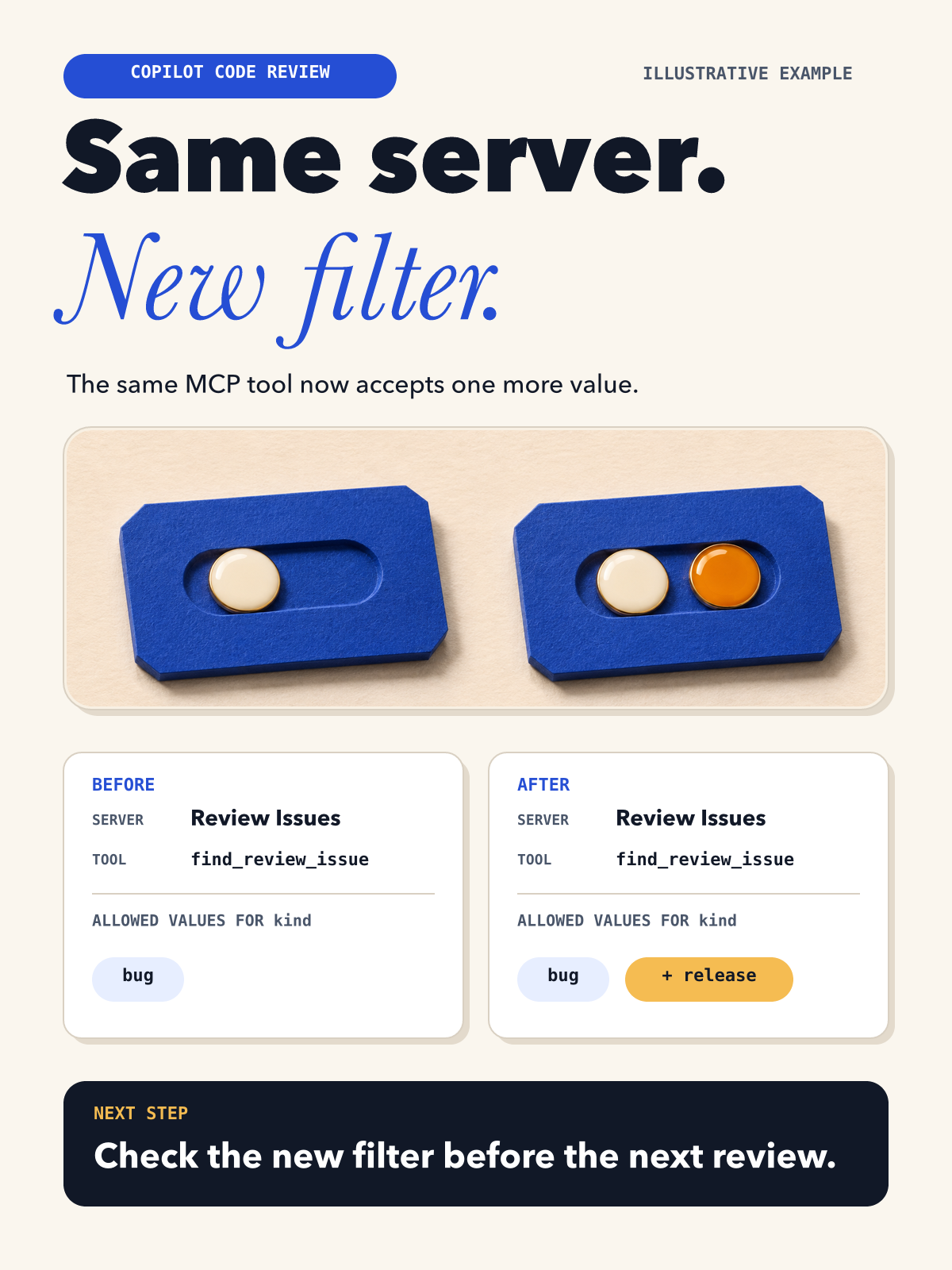
Compare the tool definitions
In the example, find_review_issue originally accepted only bug for kind. The server now also accepts release. A review log showing the same tool name won't reveal that change.
Use your MCP client to call tools/list on the configured server. Save each approved tool's name, description, and inputSchema. If the response has a nextCursor, fetch the remaining pages too. Later, repeat the request using the same server and access, and compare those fields.
To test the added option, call find_review_issue with {"kind":"release"} in a sample repository containing a known release issue. Check the returned issue against it. Run the original bug case as well, so you can see whether the change broke the existing lookup.
Where does GitHub show which MCP tools ran?
The review comment includes source attributions. Open the review session linked from the pull request timeline to see the MCP servers and tools in its logs. You still need the tool definitions to check whether their inputs changed.
Copilot code review uses MCP tools marked read-only. The issue lookup in this example fits that restriction.