
Phone and CRM FAQ
Does Grok Bot need my business phone number or CRM to make a call?
Grok Bot may use a temporary number for calls. If your account has calling, try a call to a phone you control and look at its caller ID. A CRM connection is a separate part of the setup.
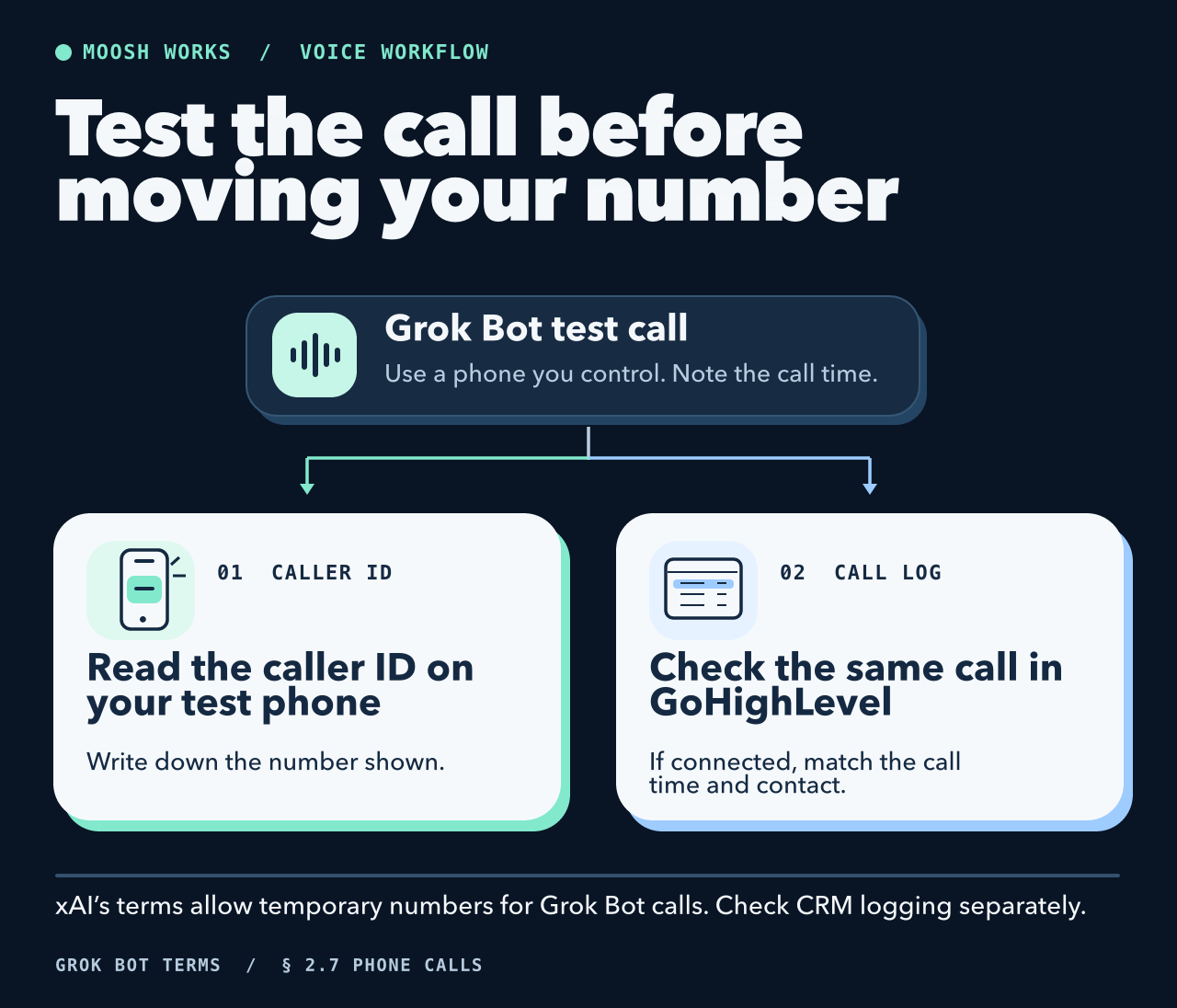
Find out which number your call uses
Call a phone you control and note the time and caller ID. Use a test contact so the call doesn't reach a customer or trigger a live customer workflow. Section 2.7 of the Grok Bot terms allows temporary numbers; it doesn't tell you which number will appear in your account.
If you've connected GoHighLevel, find that test call on the contact. Then ask for a callback at a specific time and look for one callback task with the right owner and time. A completed phone call doesn't tell you whether the CRM connection saved that task.
How can I use my existing business number?
xAI’s separate Voice Agent Builder documents how to connect an existing number through your phone provider using SIP. Check that setup with your provider if you want calls to use your business number.
Grok Bot calling, the Voice Agent Builder, and connections to GoHighLevel or WhatsApp have separate setup details. Check which ones your account actually has before changing the number customers already use.